Skip to the main content.

Guide

Zero Trust for files.

Zero trust verifies users, devices and sessions. klearis extends it to the files they open, by treating each one as untrusted and rebuilding it.
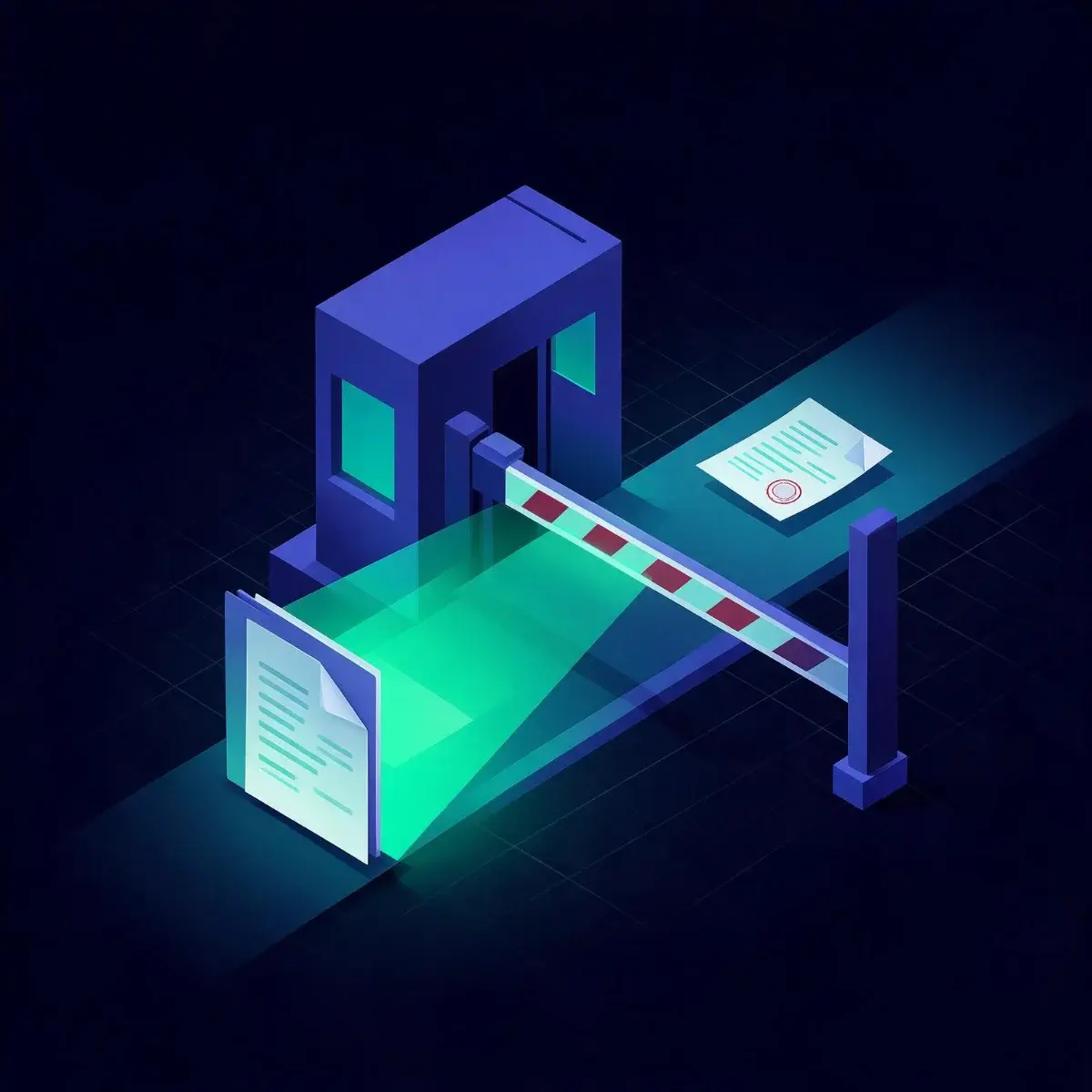
A passport control booth with a barrier and a document being scanned

The principle

Safety from structure, not from a verdict.

DETERMINISTIC CONTROL No probability, no score Safety comes from structure, not from a probability, a score, or a guess.
REMOVE, DON’T JUDGE Strip what can execute All non-compliant elements and active content that could execute are simply stripped away.
OPERATES IN MILLISECONDS No friction Protection with no detonation, no waiting, no friction for the people doing the work.

Step by step

Zero trust, applied to files.

01 · NEVER TRUST Every file is untrusted Origin, sender and reputation do not exempt a file.
02 · VERIFY BY REBUILD Rebuild instead of judge Active content is removed and a clean file is rebuilt.
IDENTIFYDISARMREBUILD
03 · RECORD Log every decision Each result is recorded and sent to your SIEM.

The file gap

Files are the gap in most zero trust programs.

Zero trust verifies users, devices and sessions. The files those users open are usually trusted once access is granted. CDR closes that gap by treating every file as untrusted.

USERS Verified by identity controls.
DEVICES Verified by endpoint controls.
FILES Rebuilt by klearis before they are trusted.

FAQ

Questions about Zero Trust

At every point where files enter: email, web, uploads, transfer and removable media. Each file is rebuilt before it is trusted.

Next step

Let's run it on your files.

Process real files, see what gets removed, and verify that document fidelity is preserved.